
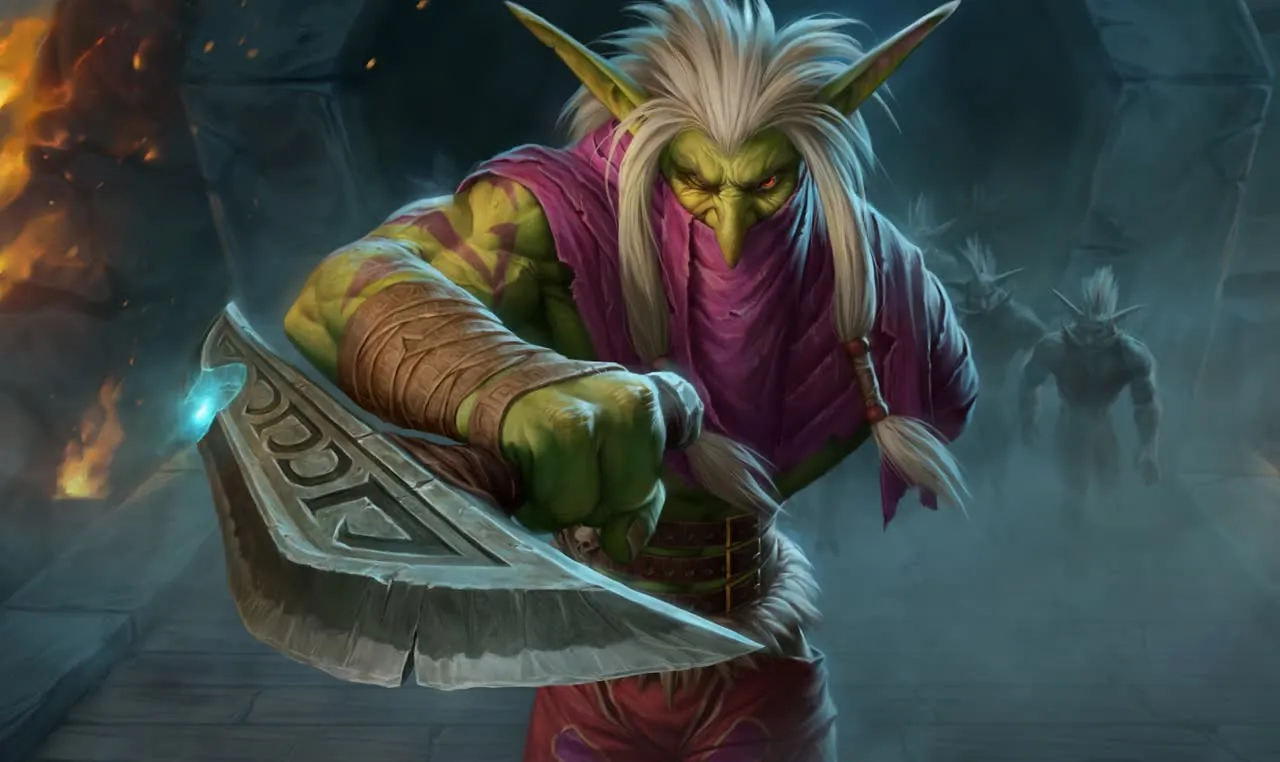
 MageArcane
Rotations for World of Warcraft
Download and playMageArcane
 HunterBeast Mastery

 HunterMarksmanship

 PaladinHoly

 PaladinProtection

 RogueAssassination

 RogueSubtlety

 ShamanElemental

 WarriorArms

 ShamanRestoration

 WarriorProtection

 EvokerPreservation

 WarlockDemonology

 WarlockDestruction

 WarlockAffliction

 Demon HunterDevourer

 PriestShadow

 ShamanEnhancement

 DruidFeral

 DruidBalance

 DruidGuardian

 DruidRestoration

 MageFrost

 MageFire

 PriestDiscipline

 PriestHoly

 MonkMistweaver

 MonkBrewmaster

 MonkWindwalker

 RogueOutlaw

 HunterSurvival

 PaladinRetribution

 Death KnightFrost

 Death KnightBlood

 Death KnightUnholy

 WarriorFury

How to start
- 01Download and install the launcherPress “Download” at the top of the page, run the installer and open Qernel. Windows 10 or 11 and .NET 9 are required; Windows asks for administrator rights itself.
- 02Play without signing upOn the first launch press “Play without signing up”. You can link an account later via Telegram, Discord or Google.
- 03Pick your specIn the launcher pick WoW Midnight or Forever and your spec — during the sale the rotation is already open.
- 04Launch the gamePress “Play” in the launcher and log in with a character of that spec. Forever: if the launcher did not find the game itself, point it to _forever_\Wow.exe.